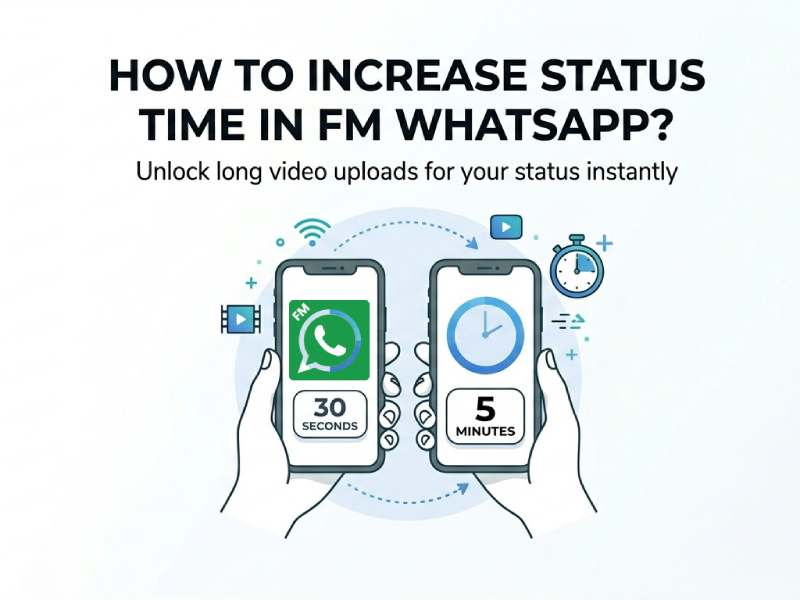
WhatsApp’s official app limits status videos to just 30 seconds, which can be frustrating if you want to share longer clips. Fortunately, modified versions like FM WhatsApp offer more flexibility.
In this step-by-step guide, we’ll cover everything you need to know: how to remove 30 seconds WhatsApp status time limit, adjust WhatsApp status time limit setting directly in FM WhatsApp, use a reliable video splitter for WhatsApp status as a backup, and where to get the safe FM WhatsApp new version download.
What Is the WhatsApp Status Time Limit?
In the official app, the WhatsApp status time limit setting restricts videos to 30 seconds per clip. If your video is longer, it gets automatically trimmed or split.
However, FM WhatsApp removes many of these limitations, giving users more control over status uploads.
Why FM WhatsApp Is the Best Choice for Long Status Videos
One of the key advantages of FM WhatsApp is that it allows users to bypass restrictions like:
- 30-second video limit
- File size restrictions
- Compression quality issues
The latest updates of FM WhatsApp also fix bugs related to media uploads, so using the newest version is key for smooth, error-free long video statuses.
Step 1: FM WhatsApp New Version Download
Before you can unlock the long video status feature, you need to install the latest stable version of FM WhatsApp. Follow these safe steps to download and install it correctly:
- Prepare Your Android Device: FM WhatsApp is a third-party modified app, so go to your phone’s Settings > Security > Install Unknown Apps, and enable permission for your browser or file manager to install apps from unknown sources.
- Download the Latest FM WhatsApp APK: Click the download button provided on this website to obtain the latest version safely.
- Install and Verify Your Account: Locate the downloaded APK file in your file manager, tap to install, then open the app and verify your phone number. You can restore your chat backup if you want to keep your old conversations.
Step 2: How to Remove 30 Seconds WhatsApp Status Time Limit on FM WhatsApp
This is the core method to post long video statuses—FM WhatsApp has a dedicated hidden menu to adjust the duration limit, so you don’t need any external apps. Here’s the exact walkthrough to remove the 30-second cap permanently:
- Open FM WhatsApp and tap the three vertical dots in the top-right corner to open the main menu.
- Select FM WhatsApp Settings.
- Scroll down and find the Status & Stories section—this is where all WhatsApp status time limit setting options are located.
- Look for the option labeled Status Video Duration or Remove 30-Second Status Limit.
- Tap the option and choose your preferred duration: most users pick 2 minutes, 5 minutes, or even “Unlimited”.
- Save the settings, close and reopen FM WhatsApp to apply the changes—your 30-second limit is now completely removed!
Once you’ve adjusted this setting, you can directly select any long video from your phone’s gallery and upload it to your status in one go, no trimming or splitting needed. This is the fastest and most seamless way to share full-length video statuses on FM WhatsApp.
Alternative Method: Use a Video Splitter for WhatsApp Status
If your FM WhatsApp version still has limits, you can use a video splitter for whatsapp status.
How it works:
- Split a long video into multiple 30-second clips
- Upload them sequentially
- They play continuously as one story
Popular tools include:
- InShot
- Video Splitter apps
- CapCut
This method works on both official and modded WhatsApp versions.
Step 3: Upload Your Long Video to FM WhatsApp Status
Now that you’ve removed the 30-second limit or split your video, uploading your full-length status is super simple.
- Open FM WhatsApp and go to the Status tab.
- Tap the camera icon or My Status to open your phone’s gallery.
- Select the long video you want to share.
- Add text, stickers, or filters if you want, then tap the send button to post it to your status.This helps upload longer videos smoothly.
Advantages of Using FM WhatsApp for Status Uploads
- Upload videos longer than 30 seconds
- Better media quality and less compression
- Customizable status time settings
- More control over privacy and visibility
Important Tips
- Always download from trusted sources when using fm whatsapp new version download.
- Backup your chats before updating.
- Stick to the Latest Version: Always use the FM WhatsApp new version download to avoid bugs, upload failures, or account bans.
- Avoid Rooting: You don’t need to root your phone to remove the 30-second limit on FM WhatsApp—all settings are built-in and accessible to all users.
Conclusion
If you’re wondering how to upload video on FM WhatsApp status more than 30 seconds, the easiest solution is to adjust FM WhatsApp settings. This allows you to bypass the standard whatsapp status time limit setting and upload longer videos effortlessly.
Alternatively, tools like a video splitter for whatsapp status can help you share longer content even without modifying settings.
With the right setup, you can finally share full videos without being restricted to 30 seconds.